Set up in minutes.
No app to install. A phone for Wi-Fi, a browser for the rest.
- 1
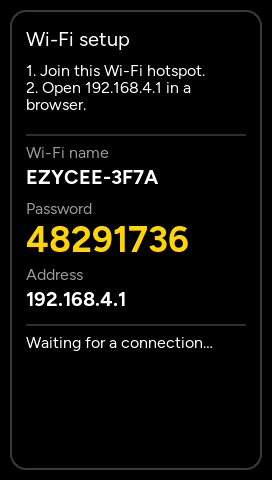
Plug in. Join Wi-Fi.
Use the 2 m USB-C cable. Join your Wi-Fi from a phone near the display.
- 2
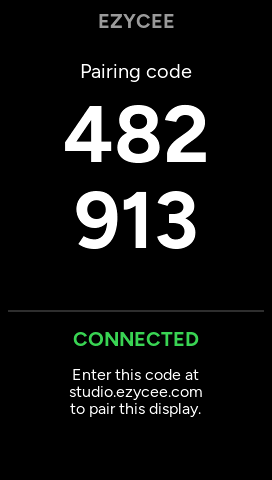
Note the code.
The display shows a 6-digit code.
- 3
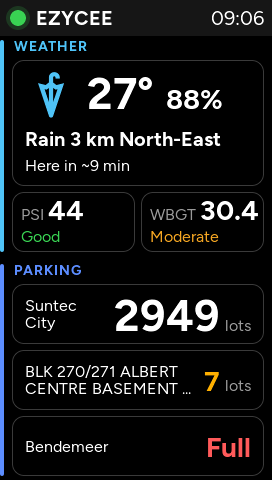
Pick your ezyapps.
Enter the code in Studio. Choose ezyapps. They arrive in minutes.
2.4 GHz Wi-Fi
The password stays on the display.
Updates
Signed, over Wi-Fi. Rolls back if one fails.
Offline?
The dot turns red. It reconnects by itself.